



n8n runs on your server. Nodey lives on your phone. We bridge the gap — with NFC tags, geofences, push notifications, and Home Screen widgets that keep your workflows within reach. Built for n8n.

Everything your n8n instance can tell you, in your pocket.
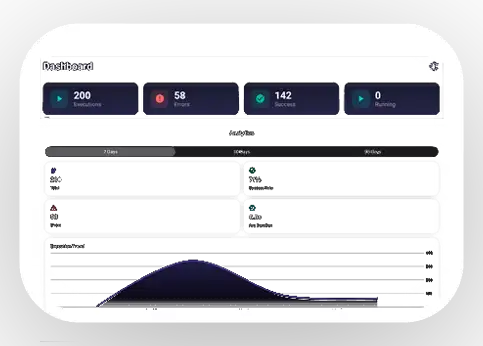
MONITORING
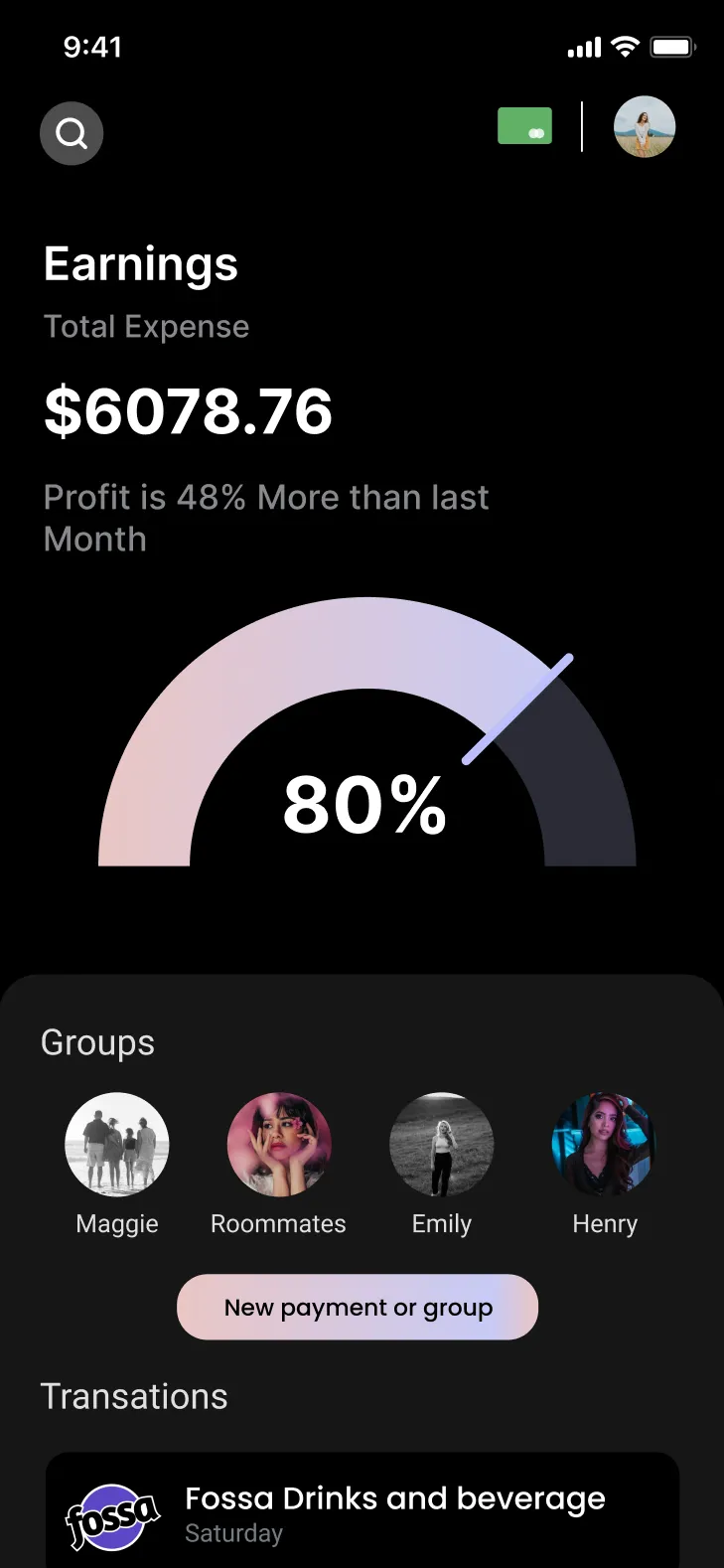
Every workflow's heartbeat, on one screen. Total workflows. Active count. 24-hour error trends. Recent failures with one-tap drill-in.
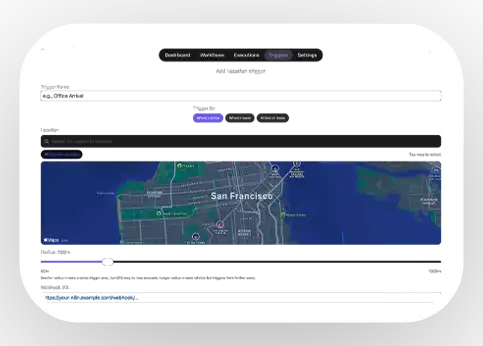
WORKFLOW TRIGGERS
Fire a webhook without unlocking your phone. No other iOS app connects n8n to the physical world. Location and NFC-enabled.
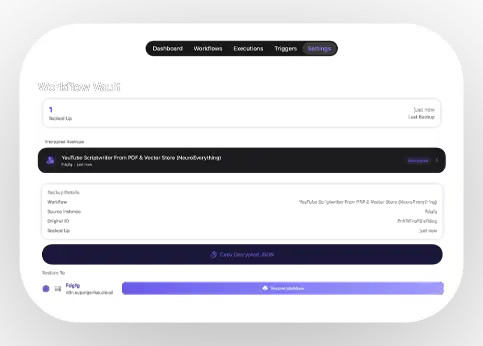
WORKFLOW VAULT
Back up any workflow and restore it to any n8n instance — encrypted locally on your phone. Unlock with Face ID or via Passkey.
AI Workflow Builder
Describe a workflow. Nodey AI builds it.
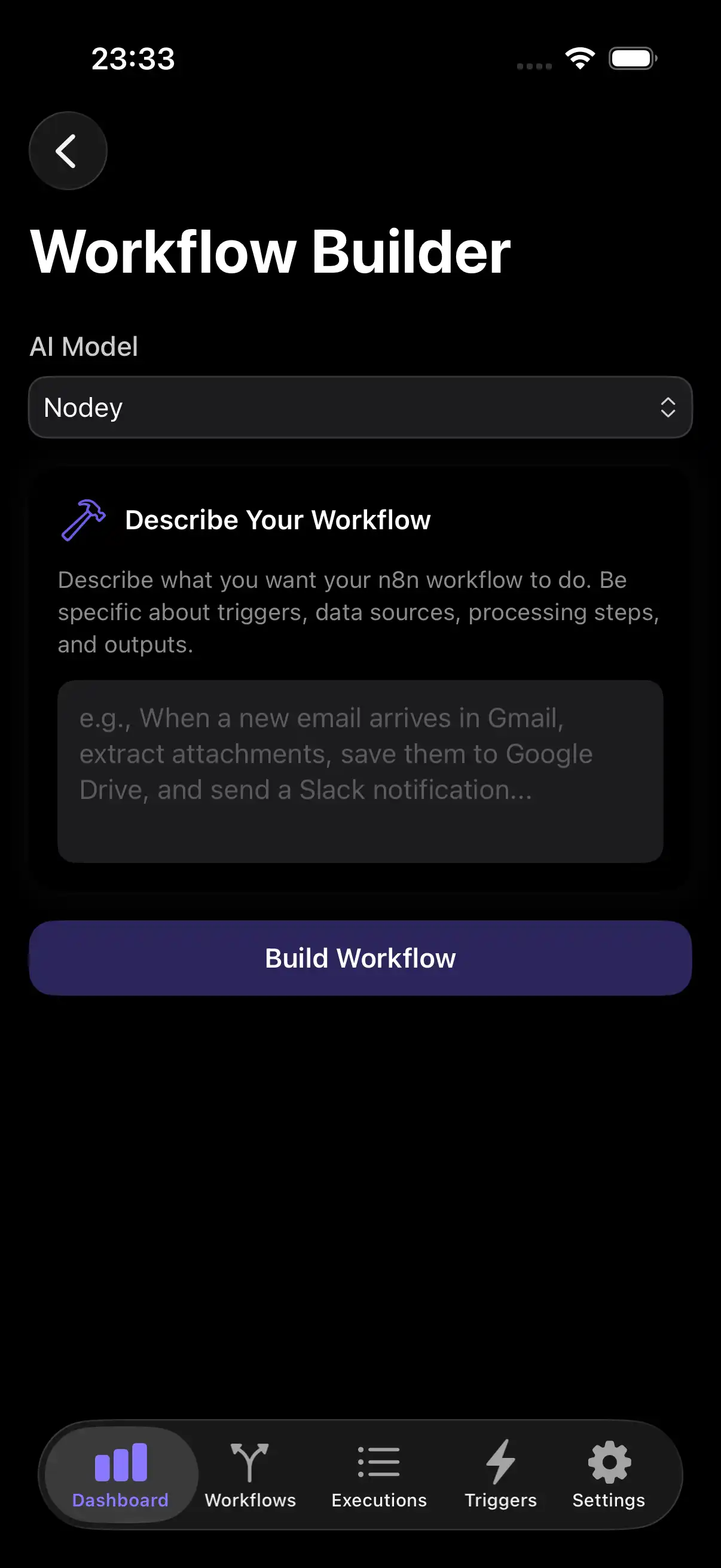







Describe your workflow. Nodey designs the node list, connections, configuration, error handling, and testing notes. Then sends the JSON straight to your connected n8n instance. Build your workflows straight from your phone.
9+ AI features. Use Nodey AI—or BYOKs.
Nodey comes with 9+ AI features out of the box. Use Nodey AI through a subscription or Bring Your Own Keys (BYOKs) to pair our features with your own Claude, Gemini, or Mistral API key — whichever developer you trust.
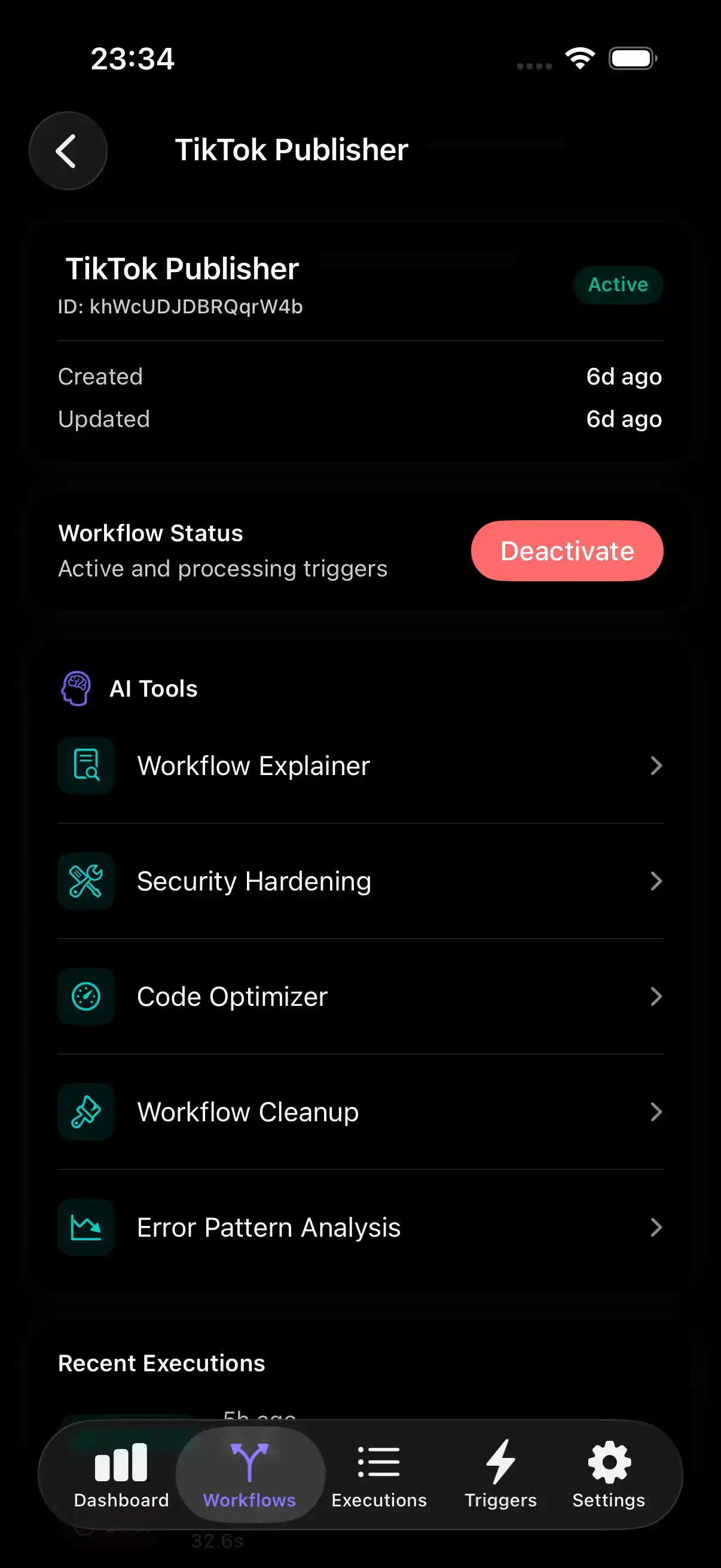
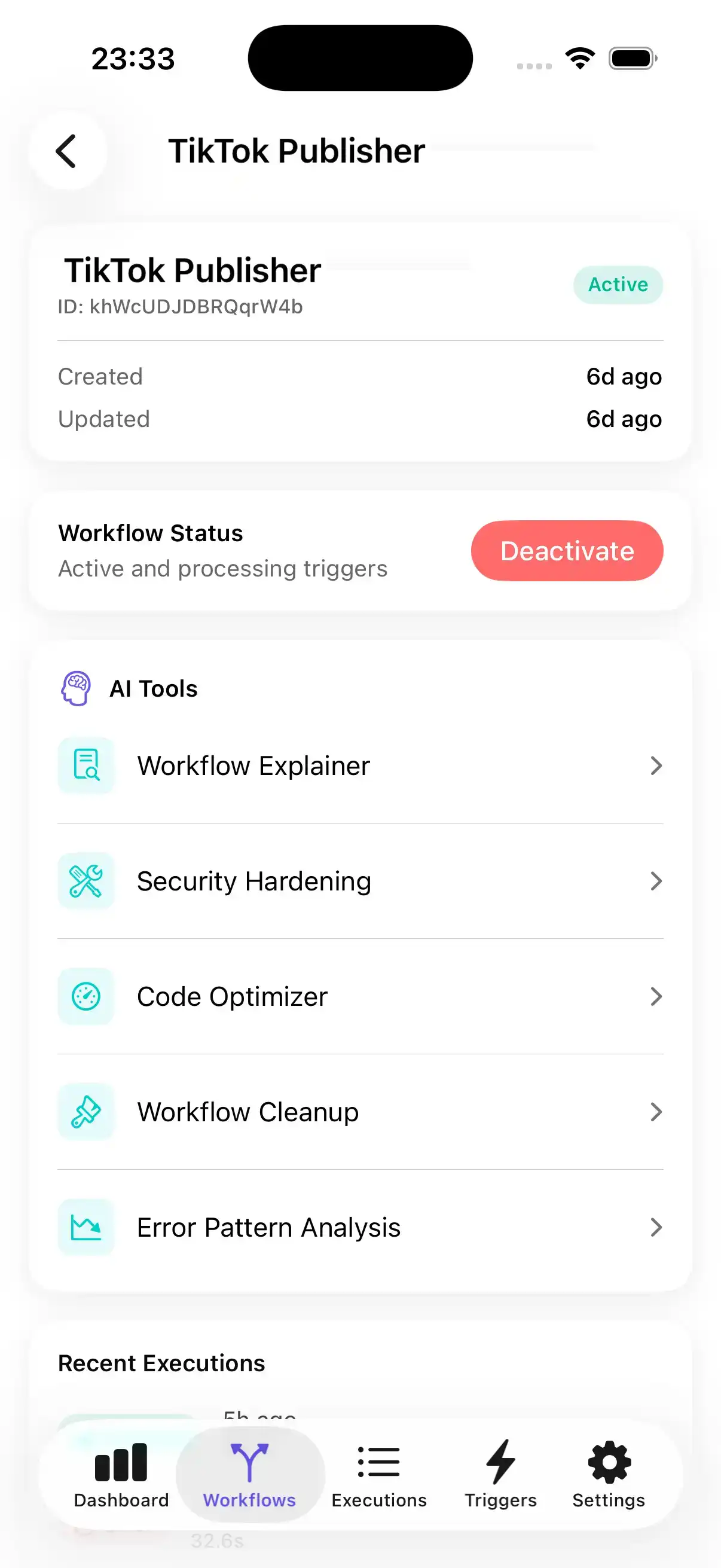
Security Hardening
A full workflow audit across seven domains: security, error handling, performance, input validation, logging, rate limiting, and best practices. Get prioritised fixes you can action immediately before shipping your workflow.
Error Pattern Analysis
Feed Nodey AI your recent execution history. Nodey AI clusters failures by type, time, and node — surfacing the systemic issues hiding behind a wall of red Xs in your executions list. Nodey AI even recommends the fixes.
Code Optimizer
Point Nodey AI at any complicated workflow and Nodey AI will simplify your workflow by replacing multiple nodes with code nodes, which helps improve performance, refractor opportunities, and better error handling.
Workflow Deep Dive
Ask Nodey AI any technical question about any workflow — "why is this branch never executing?", "what happens if the API returns null?" — and get a thorough answer, allowing you to debug workflow problems.
Dark mode
Built for late-night debugging.
Light mode
Just as sharp in daylight.

FAQ
Answered
questions.
Everything you might want to know — up front.
-
Nodey is an iOS command center for n8n. It connects to your self-hosted or n8n.cloud instances and lets you monitor workflows, diagnose failures with AI, trigger runs from NFC tags and geofences, and back up workflows in an encrypted vault — all from your phone.
-
No. The n8n web UI is your studio — that's where you build and edit workflows in detail. Nodey is your mission control — where you monitor, toggle, debug, back up, and trigger from your phone. You'll use both. Nodey does ten specific AI things: Workflow Explainer, Error Diagnosis, Security Hardening, Code Optimizer, Workflow Cleanup, Error Pattern Analysis, Performance Profiler, Workflow Builder, Deep Dive, and Debug Companion.
-
Ten specific things: Workflow Explainer, Error Diagnosis, Security Hardening, Code Optimizer, Workflow Cleanup, Error Pattern Analysis, Performance Profiler, Workflow Builder, Deep Dive, and Debug Companion. Run on Nodey AI by default, or bring your own Claude, Gemini, or Mistral key. See the Features section for what each one does.
-
Free forever with your own API key. Pro starts at $9.99/month (or $49.99/year). Founding Member is a one-time $249.99 for lifetime access — limited to 250 slots.

About The Developer
Built by Hesham Mashhour
Cambridge medicine grad turned AI-directed developer. Builds production apps under Better Brain Lab — Nodey is the one I needed for myself. Email me directly if you want to chat.